The basics
What is a digital visiting card?
Everyone has a pocket full of paper cards they will never look at again. A digital visiting card fixes that. It is your visiting card as a living web page, shared in a tap, that the other person can save instantly and that never goes out of date.
The short answer
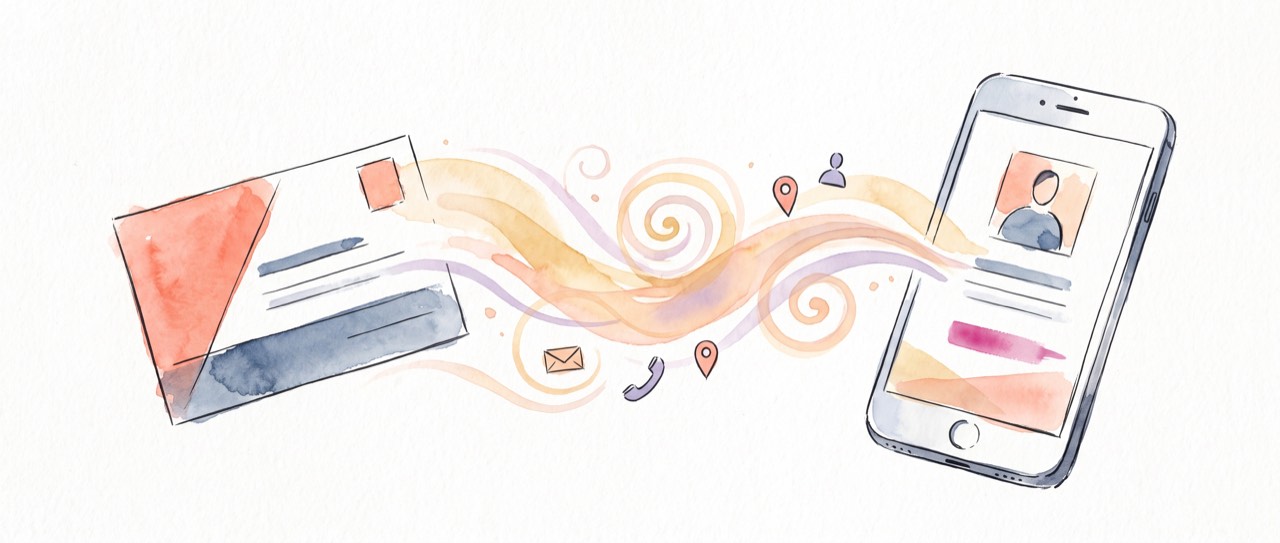
A digital visiting card is an online version of a paper visiting card. Instead of handing over printed card stock, you share a link or a QR code. Whoever opens it sees your name, title, company, phone, email and links, and can save you to their phone in one tap. No app to install on their side, nothing to type up later.
You may have heard it called a few different things. They all mean the same thing:
- Virtual business card — the card lives online, not on paper.
- E-business card or electronic business card — the same idea, older name.
- Digital vCard — named after the .vcf contact file your phone understands.
- Online business card — a shareable web page that is your card.
How a digital visiting card works
There are only three moving parts, and they are all simple:
- You share a QR code or a short link, on your phone screen, a badge, a slide, a bio or an email signature.
- They open it in their browser. Your card appears, nicely laid out, with a big "save contact" button.
- It stays live. When your details change, the card updates itself, so the people who saved you always have the current version.
Digital visiting card vs paper
Paper is familiar and cheap, but it is static and easy to lose. Here is how the two compare on the things that actually matter after you have swapped cards.
| Paper visiting card | Digital visiting card | |
|---|---|---|
| Stays up to date | No, reprint needed | Yes, automatically |
| Share by QR, link, WhatsApp | No | Yes |
| Saved straight to their phone | Typed by hand | One tap |
| Capture their details too | No | Yes, share-back |
| Runs out | Yes | Never |
| Cost | Per print run | Free |
Who uses one?
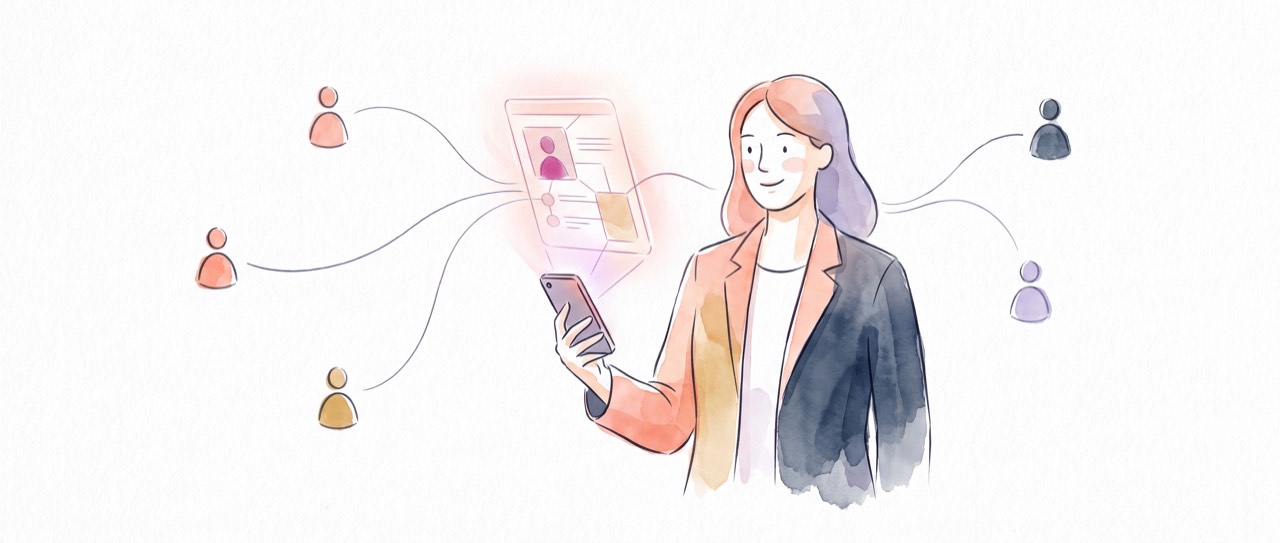
Anyone who meets people for work. Sales reps hand theirs out at events and capture leads back. Founders and freelancers use one link that carries their whole professional identity. Real estate agents put a QR on listings. Consultants, doctors, designers and marketers all use a digital visiting card as the single, always-current place their contacts point to.
How to make a digital visiting card
It takes a couple of minutes and no design skills:
- Sign up free at getnodcard.com.
- Add your name, title, contact details and links in the guided builder. In a hurry, let the built-in AI draft your bio for you.
- Add your brand colour and logo, then publish to get your link and QR code.
For the full walkthrough, read how to create a digital business card.
Make your free digital visiting card
Two minutes to set up. Share it anywhere. It keeps itself current.
Create your card, free ↗Frequently asked questions
What is a digital visiting card?
An online version of a paper visiting card that you share with a link or QR code. The other person sees your details and saves you in one tap, and a NodCard stays up to date for them automatically.
Is it the same as a virtual or e-business card?
Yes. Digital visiting card, virtual business card, e-business card, online business card and digital vCard all describe the same shareable online card.
Do people need an app to open it?
No. It opens in any browser from a QR scan or a link, with nothing installed on their phone.
Is a digital visiting card free?
Yes. Creating and sharing your NodCard digital visiting card is free.