Guide
How to create a digital business card for free
Paper cards get lost, go out of date, and end up in a drawer. A digital business card lives on your phone, shares in a tap, and updates itself. Here is exactly how to make one in minutes, share it anywhere, and never hand out a stale card again.
What is a digital business card?
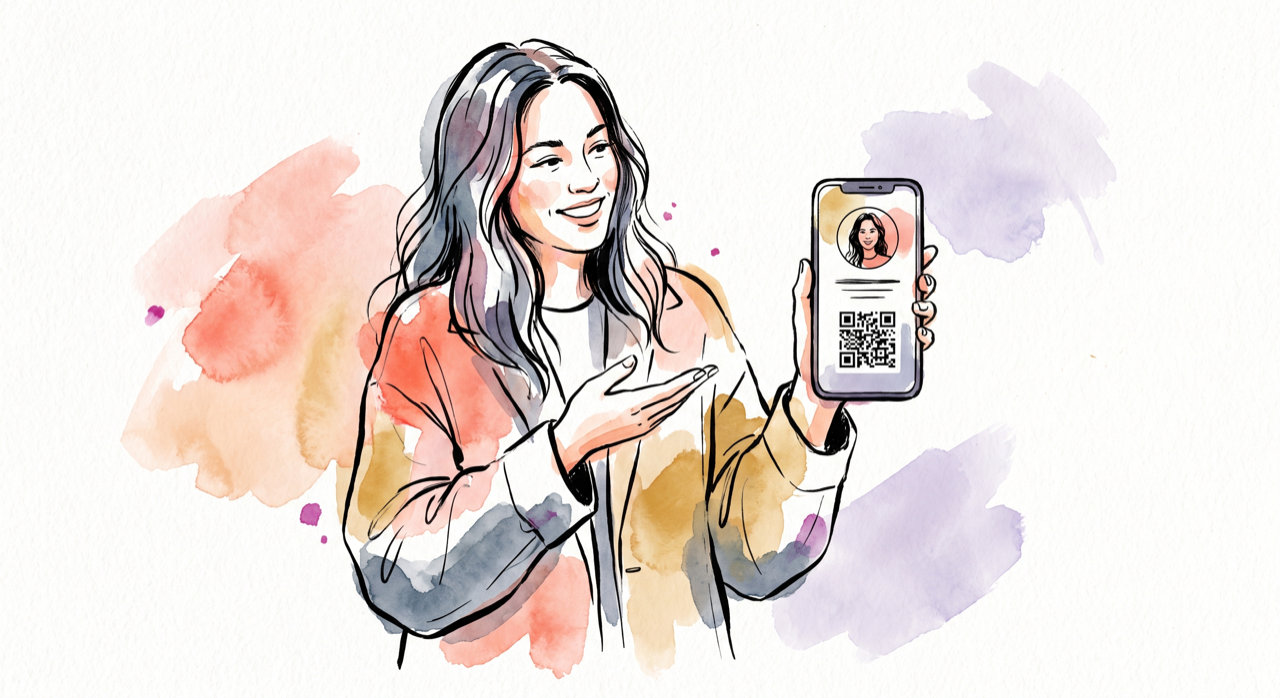
A digital business card (also called a digital visiting card, virtual business card, or e-business card) is an online version of a paper card that you share with a link or a QR code instead of handing over a piece of card stock. Whoever opens it sees your name, title, contact details and links, and can save you to their phone in one tap.
The important difference from paper: a good digital card is live. Change your job title or phone number once, and everyone who saved your card gets the new details automatically. Nothing to reprint, no awkward "ignore my old number" messages.
Why switch from paper (and NFC)?
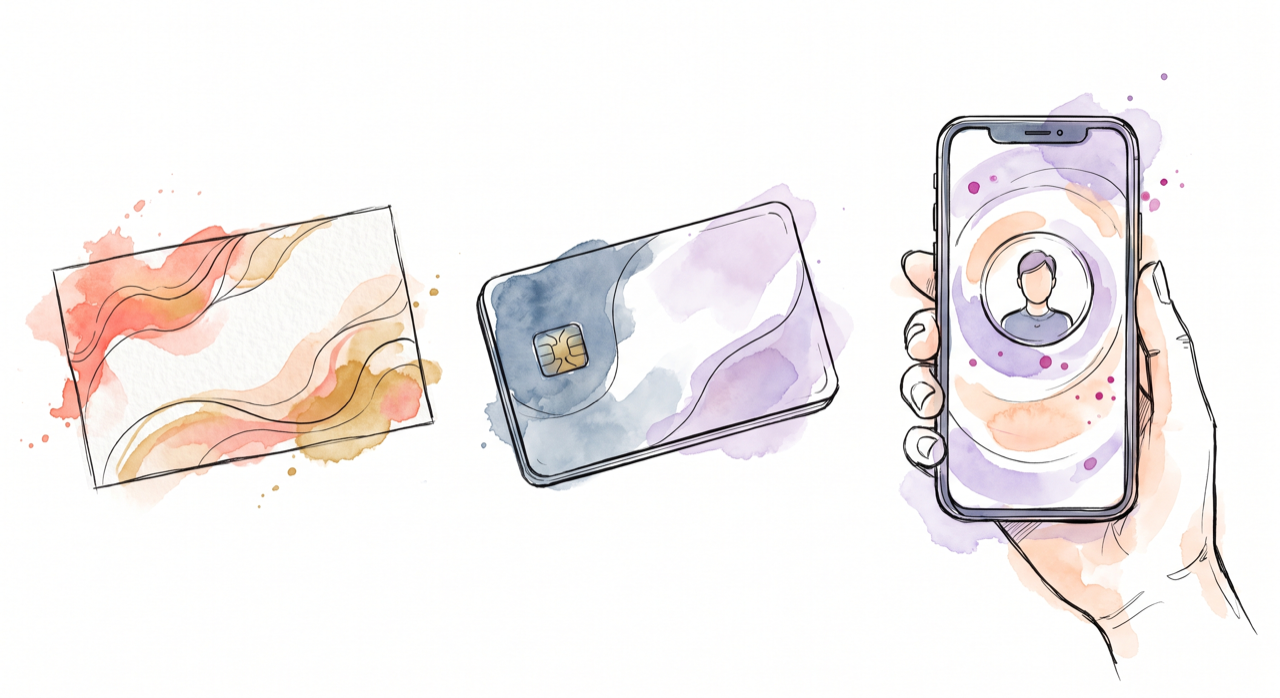
Paper is cheap but static. NFC cards feel modern but rely on a physical tag that a phone has to tap, and the destination is fixed once printed. A digital business card works from any camera or link, needs nothing installed on the other person's phone, and stays under your control.
| Paper | NFC card | NodCard (digital) | |
|---|---|---|---|
| Always up to date | No | Sometimes | Yes |
| Nothing to install for the receiver | Yes | Usually | Yes |
| Share by QR, link, WhatsApp, email | No | Limited | Yes |
| Turn a shared code off later | No | No | Yes |
| Capture the other person's details | No | Rarely | Yes |
| Cost | Per print run | Per card | Free |
How to create your digital business card in 4 steps
- Sign up free. Head to getnodcard.com and create your account. No card details, no download.
- Add your details. A guided builder walks you through your name, title, company, phone, email and links. In a hurry? Describe yourself in a line and let the built-in AI draft your bio and highlights for you.
- Make it yours. Add your brand colour and upload your company logo so the card looks like you, not a template.
- Publish and share. Publish to get a clean short link and a QR code you can use immediately.
How to share your digital visiting card
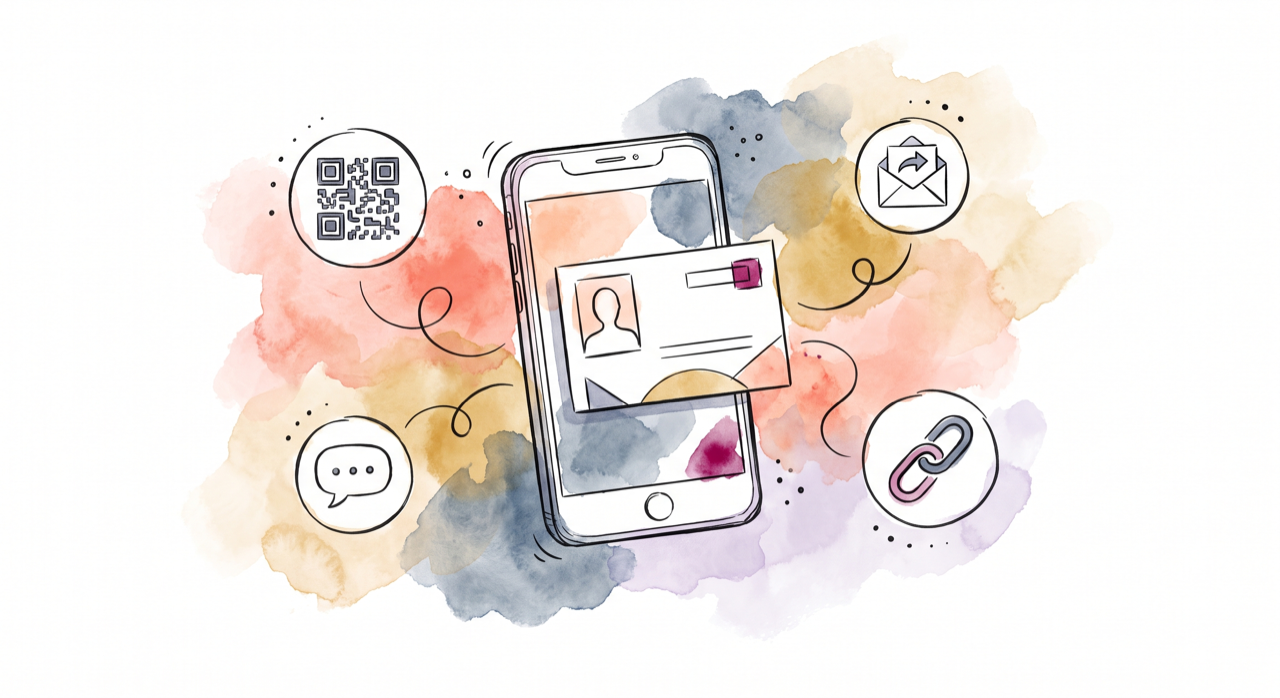
Once it is live, you can share the same card everywhere:
- QR code — on your phone screen, printed on a card or badge, or on a slide. They scan, it opens.
- Short link — drop it in a bio, a message, or a signature.
- WhatsApp — one tap to send your card into a chat.
- Email signature — add a tidy "save my card" button so every email you send is a soft introduction.
Better still, whoever opens your card can share their details back to you, so you leave every meeting with the other person's contact captured, not a stack of paper cards to type up later.
The best part: it updates itself
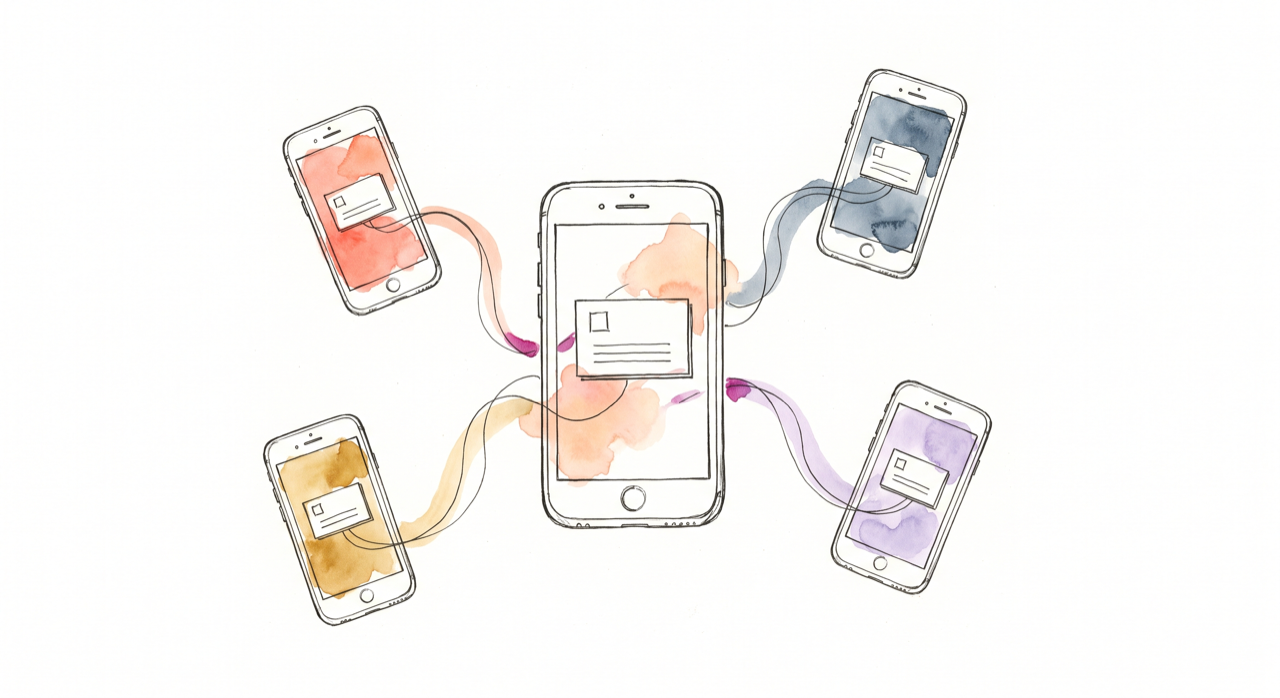
New role? New number? Update your card once and every copy you have ever shared reflects it. The people who saved you simply have the right details, without you lifting a finger. This is the thing paper and NFC can never do, and it is why a digital business card keeps working long after the handshake.
Digital business card ideas by profession
A few ways people use NodCard as their digital visiting card:
- Sales teams — capture leads at events with share-back, and track which QR code or booth each lead came from.
- Real estate agents — put a QR on listings and yard signs that opens your card and booking link.
- Digital marketing agencies — a polished digital marketing visiting card with your portfolio, socials and a call-to-action.
- Doctors and clinics — a clean card with clinic address, hours and a maps link.
- Freelancers and founders — one link that carries your whole professional identity.
Create your free digital business card
Two minutes to make it. A lifetime of never handing out a dead card again.
Get started, free ↗Frequently asked questions
Is a digital business card free?
Yes. Creating and sharing your NodCard digital business card is free.
Do people need an app to open my card?
No. They scan your QR code or tap your link and your card opens in their browser. They can save your contact in one tap with nothing installed.
Can I make a QR code for my business card?
Yes. Every NodCard comes with a QR code, and you can create extra labelled QR codes for print, events and campaigns, then deactivate or repoint them later without reprinting.
What is the difference between a digital business card and an NFC card?
A NodCard works from any phone camera or link with nothing to tap or install, and you stay in control of where a shared code points, even after it is printed. An NFC card is a fixed physical tag.
Can my whole team use it?
Yes. Everyone gets their own card, and teams can keep a consistent look. Shared branding and team management are on the roadmap.