Guide
QR code business cards, done right
A QR code turns any surface into your business card. Someone points a camera, your details open, and they save you in a tap. Here is how to create a QR code for your business card, and the one feature that separates a good one from a printed dead end.
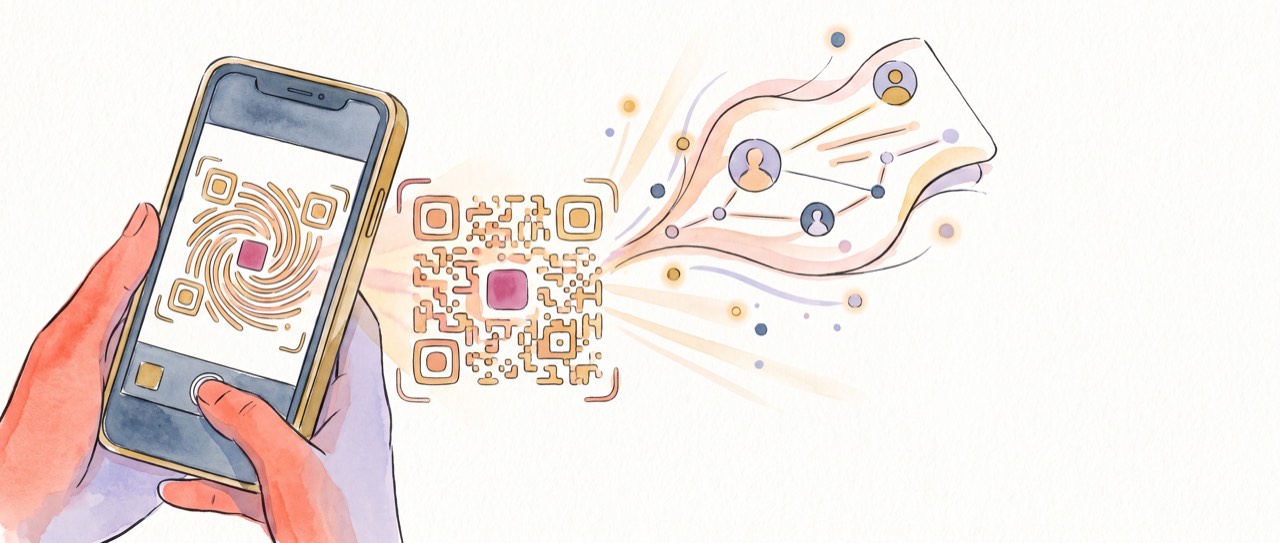
What is a QR code business card?
A QR code business card is a QR code that, when scanned, opens your digital business card. Instead of printing your phone number and email in tiny type, you print one code. The other person scans it with their normal camera, your card opens in the browser, and they tap once to save you. Nothing is installed on their phone.
You can put that code almost anywhere: your phone screen, a paper card, a name badge, a shop window, a product, a slide, a car wrap, or a poster. The same code always opens the same, always-current card.
Static vs dynamic QR codes (this matters)
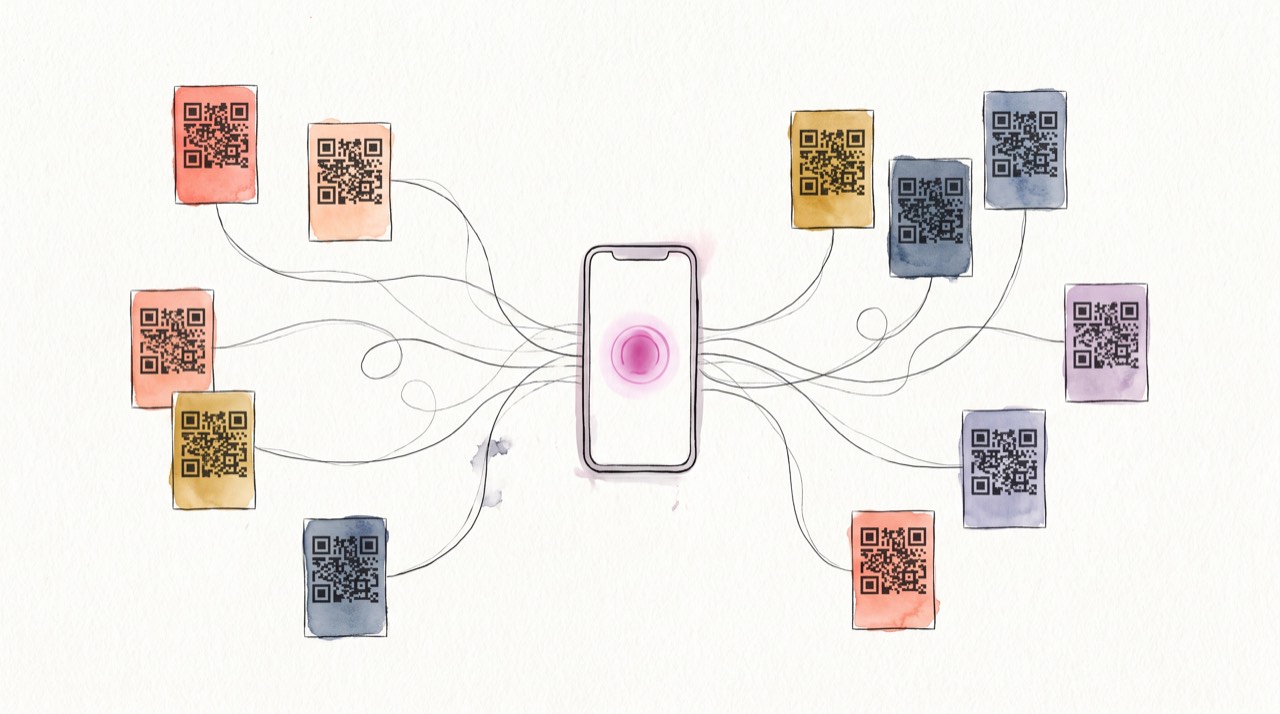
Most free "QR code generators" make a static code: the destination is baked into the pattern. If you reprint cards with a new number, the old codes are wrong forever. A dynamic QR code keeps the same image but lets you change where it points, or switch it off entirely.
| Static QR code | Dynamic QR code (NodCard) | |
|---|---|---|
| Change destination after printing | No | Yes |
| Turn a code off later | No | Yes |
| See how many scans it got | No | Yes |
| Tell campaigns apart | No | Yes, label each code |
How to make a QR code for your business card
- Create your card. Sign up free at getnodcard.com and add your details.
- Publish. Publishing generates your card's short link and QR code automatically.
- Label your codes. Add extra QR codes for print, events or campaigns so scans stay easy to tell apart.
- Share and track. Print or display the code, then watch which one brings in contacts.
Where to put your QR code
- On your printed card — keep the paper, add a code that stays current.
- On your phone — show the code on screen for an instant, contactless swap.
- On a badge or lanyard — perfect for conferences and booths.
- On signage and listings — yard signs, posters, packaging, storefronts.
- In your email signature — a small "scan to save my card" prompt.
Get your free QR code business card
Create your card and your QR code is ready to print in minutes.
Create your card, free ↗Frequently asked questions
How do I make a QR code for my business card?
Create a free NodCard, publish it, and a QR code is generated automatically. You can also add extra labelled QR codes for print, events and campaigns.
Do people need an app to scan it?
No. Modern phone cameras scan QR codes natively. Your card opens in the browser and they can save your contact in one tap.
Can I change where my QR code points after printing?
Yes. NodCard QR codes are dynamic, so you can repoint or deactivate a code without reprinting anything.
Is a QR code business card free?
Yes. Every NodCard includes a QR code at no cost.